
One input, clear feedback
One-button game design builds a game’s main interaction around one input, such as a click, tap or key press. In Sky Fruit, that input powers a short flight: tap to launch, then tap or hold to apply thrust. The counter responds to play and the jetpack flame builds during a sustained press. Showing both responses makes the action easier to read: the player can see that a brief tap and a longer hold produce different amounts of thrust, without learning another control.
A destination that grows into view
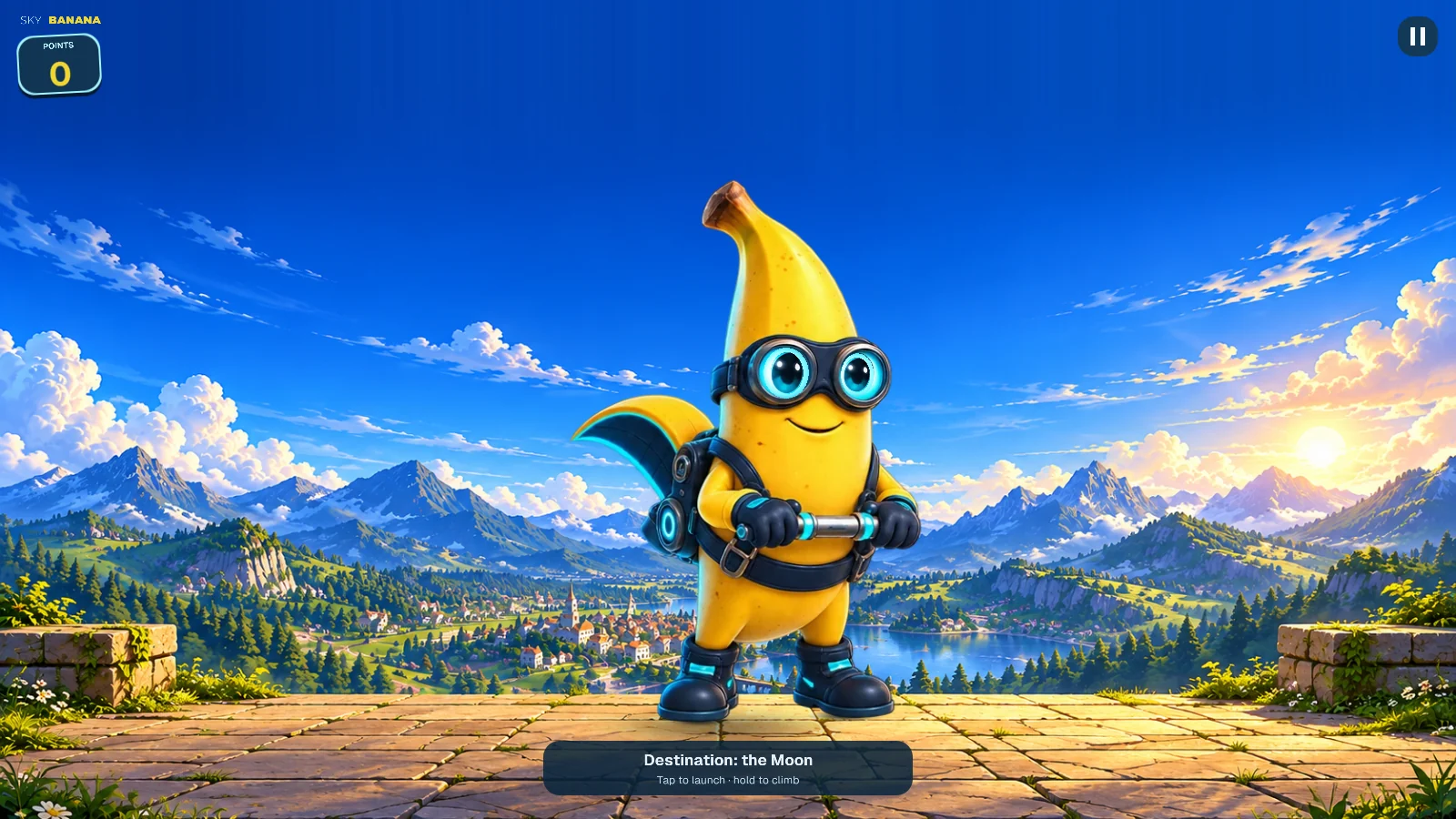
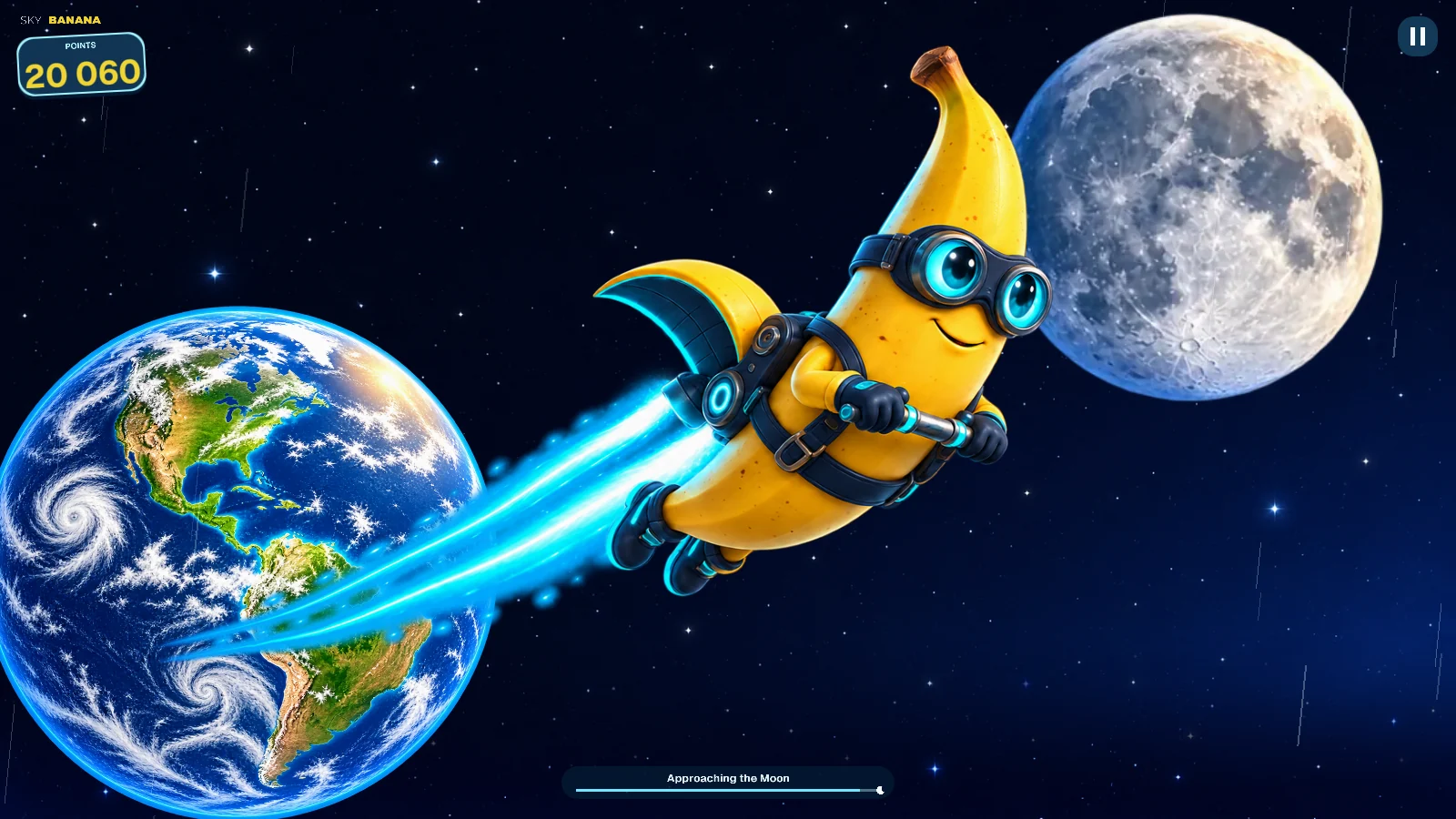
For Sky Banana, the design goal was to make that short flight feel like a journey with a recognisable destination. A terrace above a lakeside town gives the departure a clear sense of place. Clouds, the changing sky and the view of Earth lead towards the Moon. The screenshots show two stages of the same ascent. Keeping a destination in view gives the changing scenery a purpose beyond decoration: it helps the player understand where the journey is going.
Music as part of the response
Music adds another kind of feedback. The soundtrack gains layers as the flight progresses, while its rhythmic part responds to player activity and fades out after a short pause in thrust. Jetpack sound follows the strength of the flame; separate music and effects controls let players adjust their balance. These choices connect a simple input to visible and audible responses throughout a short casual game. Try Sky Banana in your browser, or explore Sky Fruit to compare the five games’ atmospheres.